
How it Works
How to use Lawdistrict

At Lawdistrict, creating legal documents is simple, fast, and reliable. You can use our tool to draft the contract, notice, or any form you need with our:
- Easy-to-use templates: Browse and select from our extensive library of legal approved by our legal team.
- Customisable documents: Tailor each template to fit your specific needs.
- Secure storage: Download and store your documents safely in your account.
Follow the steps below to better understand how to use our legal templates and online tool.
1. Select your yocument
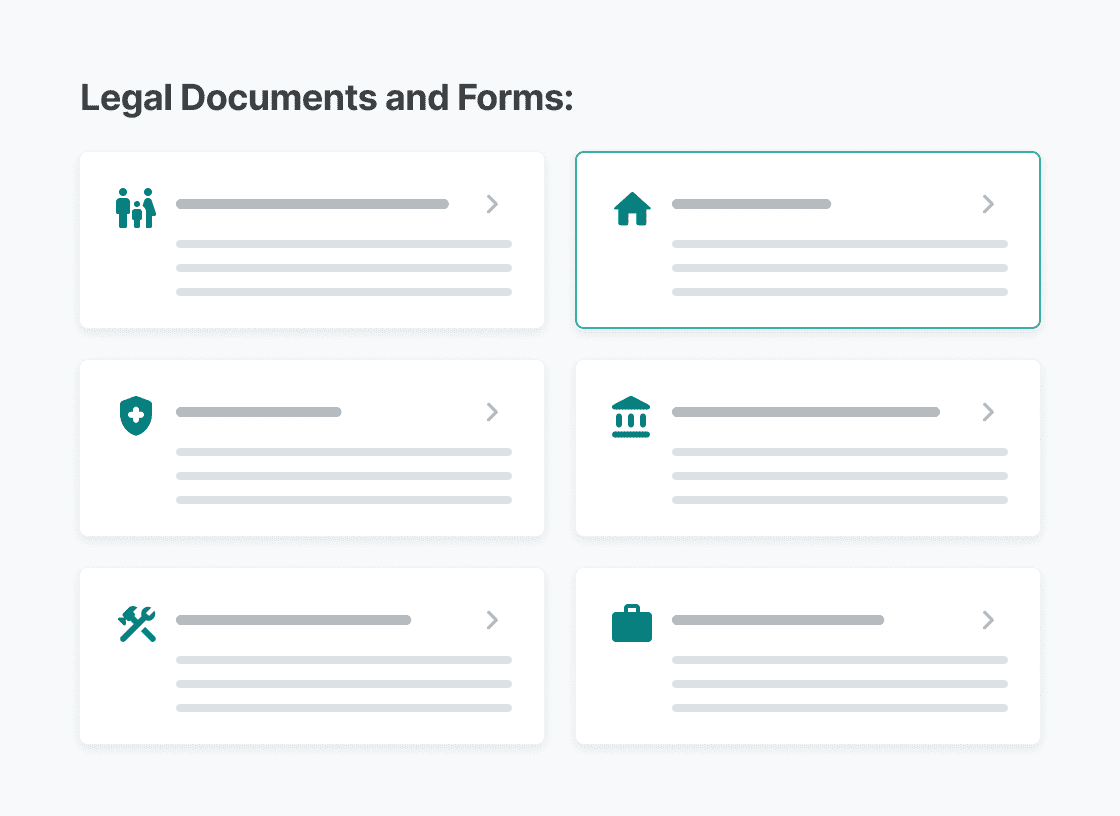
Browse our library of expert-approved legal templates that fit nearly every personal and professional situation, and choose the document that fits your needs, such as:
All of our forms are designed to meet professional legal standards and requirements such as specific information for different types of property or agreements, personal details, and signatures.
2. Customise to fit your needs
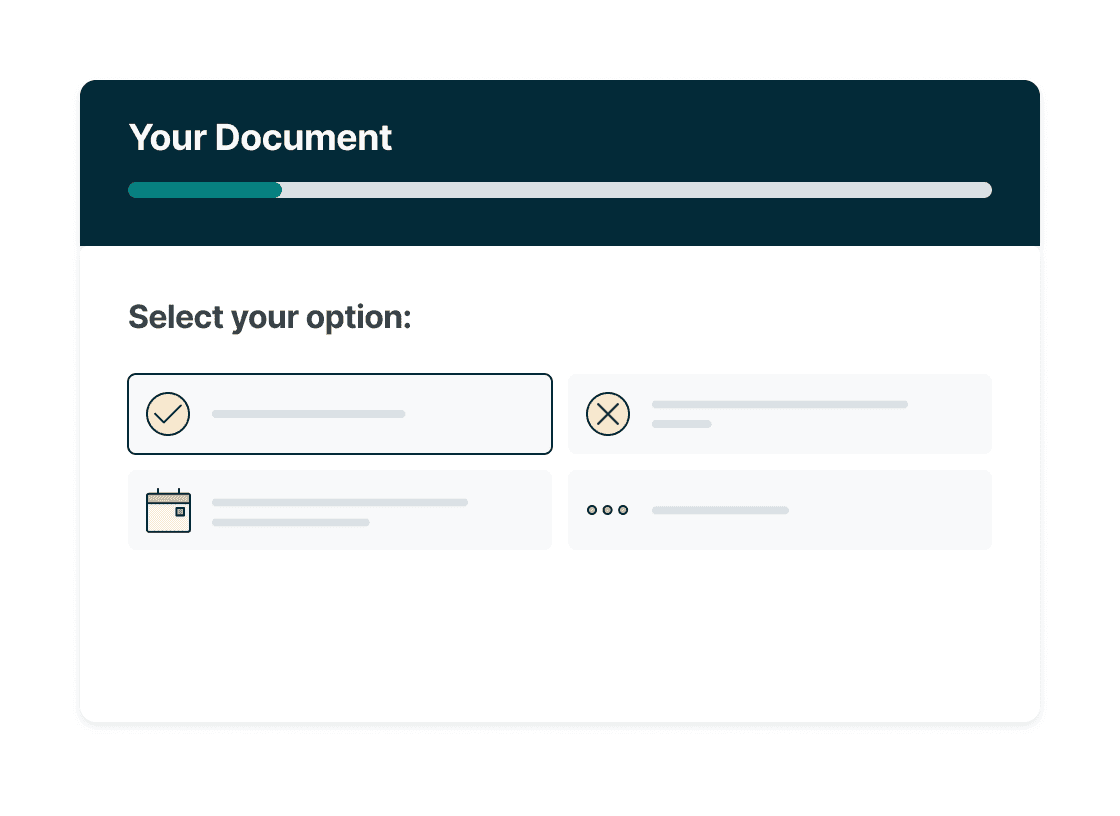
Answer simple, guided questions in our user-friendly editor to customise your document step-by-step.
You will be guided through adding the necessary information that is relevant to your case and jurisdiction.
Follow our tips and suggestions to tailor your document to your unique situation while maintaining legal accuracy.
3. Sign electronically
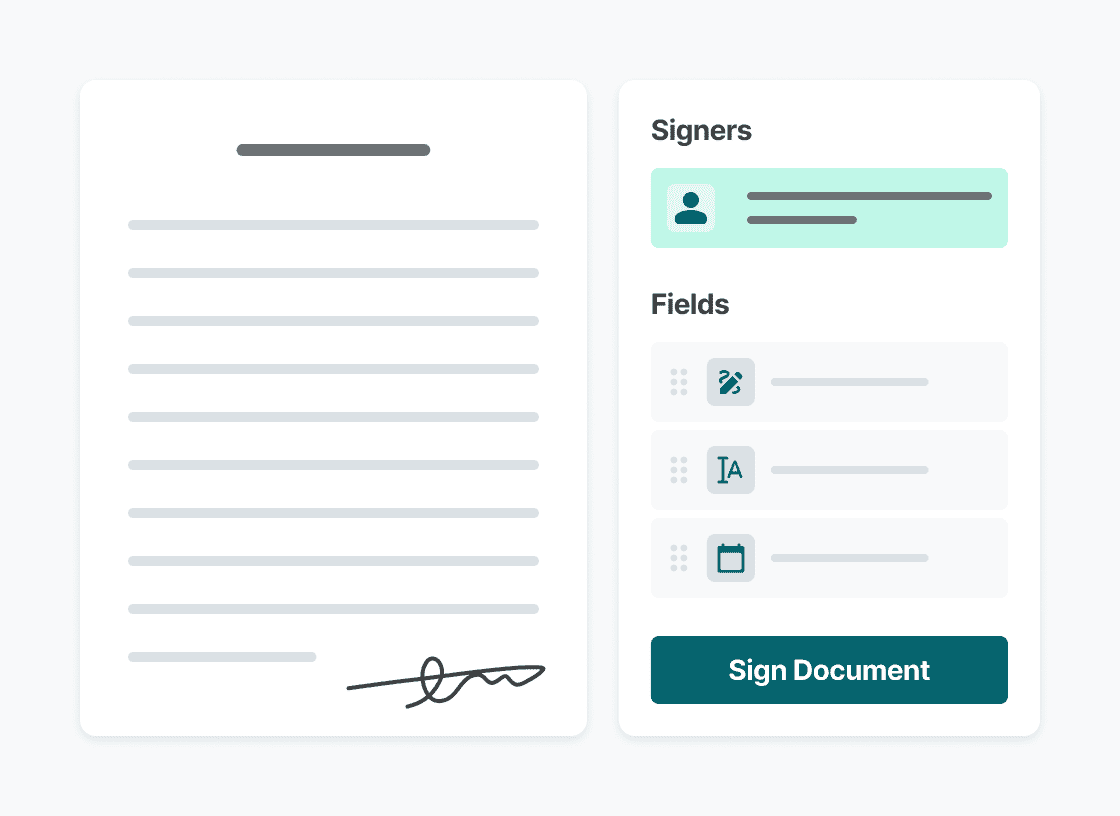
After answering the guided questions, you can use the e-sign tool to add your signature electronically to your Lawdistrict documents in seconds.
Or, if you created a document with another party, you can sign that electronically with our e-sign tool as well.
4. Download and store securely
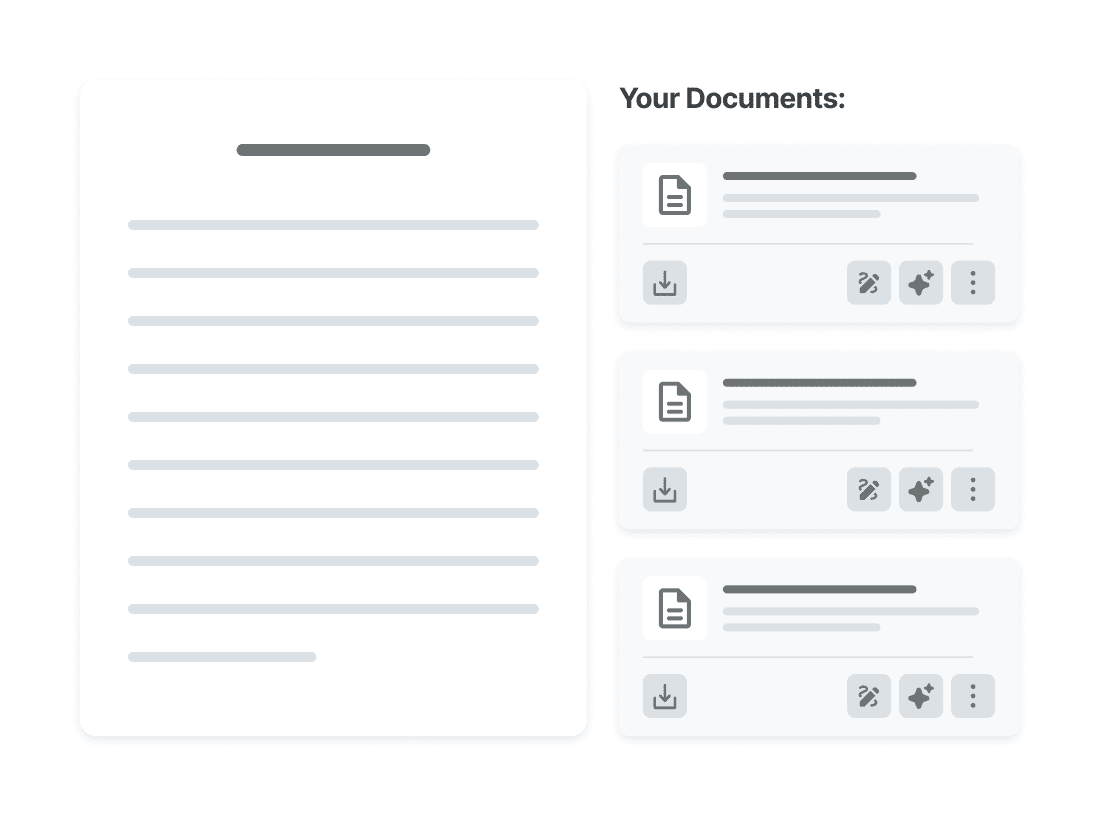
Once completed, download your customised document in PDF format with just one click.
Your document will clearly include all the details you have provided to help you throughout your legal process.
Additionally, your files are securely saved in your account’s cloud storage, and not shared with any third parties, making them accessible anytime for easy organisation and peace of mind.
Try Lawgenius, our AI legal document tool
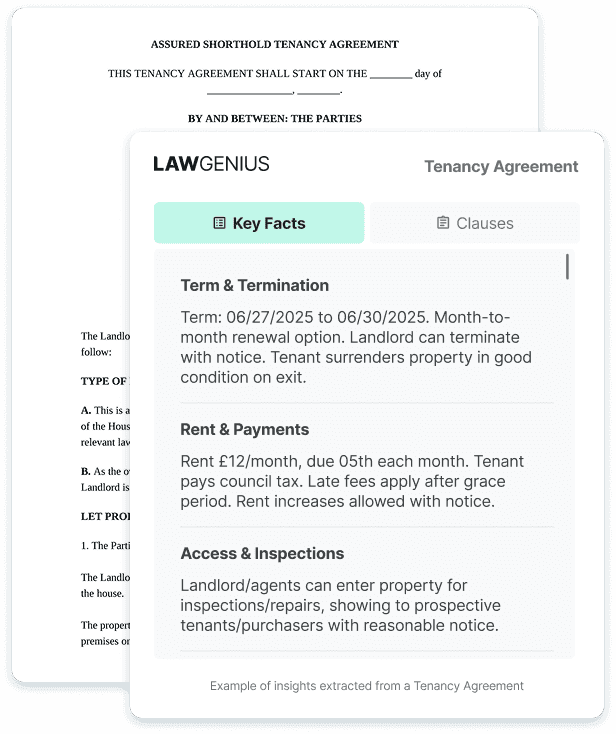
Make completing your legal document easier with our AI legal assistant Lawgenius. Our AI tool, refined by our legal team, allows you to analyse your completed legal documents with ease.
Find all the critical information and clauses in your document with detailed analysis and quick, concise responses to any questions, helping you make sure it’s compatible with your situation.
Make completing your legal document easier with our AI legal assistant Lawgenius. Our AI tool, refined by our legal team, allows you to analyse your completed legal documents with ease.
Find all the critical information and clauses in your document with detailed analysis and quick, concise responses to any questions, helping you make sure it’s compatible with your situation.

Get instant, accurate legal answers
Interact with your documents in real time. Lawgenius provides fast, intelligent responses to your legal questions. It’s like having a legal expert on hand at all times.

Smart prompts for guided review
Not sure where to begin? Our legal AI chatbot suggests relevant prompts to help you review your document and identify important clauses.

Simplified legal language for quick clarity
Lawgenius breaks down complex legal language into easy-to-understand explanations. Use our Legal Document Summarizer for a quick, actionable summary of any document.
Take the guesswork out of legal documents with Lawgenius.
Additional support
Need assistance or more information? You can contact us at any time with any questions you have, or check our FAQs for useful information.